Chrome Extension
Your Bookmarks,
Beautifully Organized.
TabNest lets you save any page with one click, organize bookmarks into smart folders, and browse them in a visual tile view — right from Chrome.
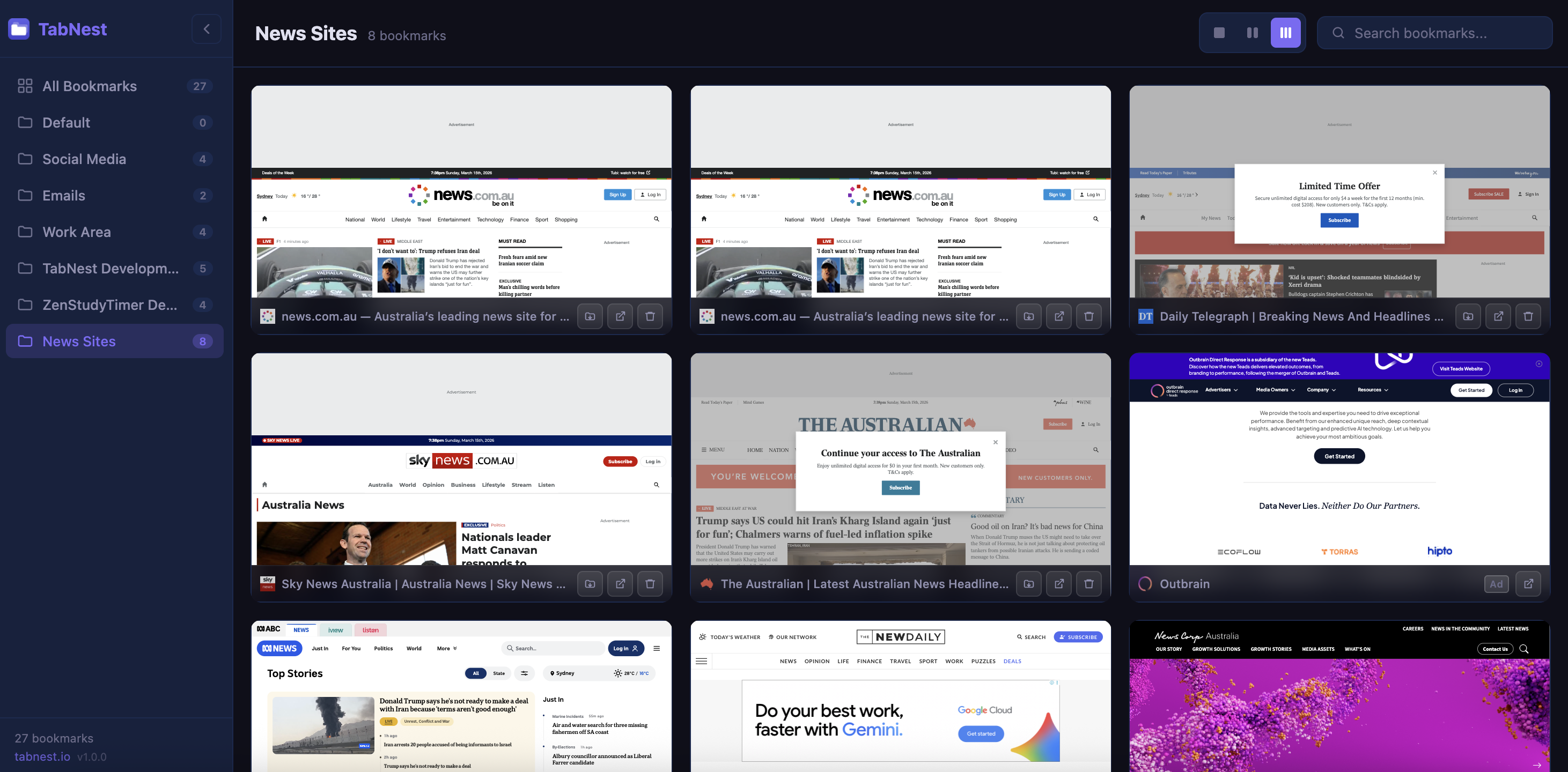
TabNest lets you save any page with one click, organize bookmarks into smart folders, and browse them in a visual tile view — right from Chrome.
Features
Stop losing important pages in a sea of unsorted bookmarks. TabNest brings order to your browser.
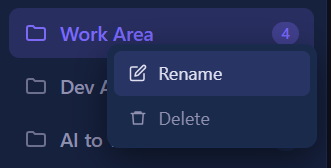
Create, rename, and delete folders to group your bookmarks by topic, project, or mood.
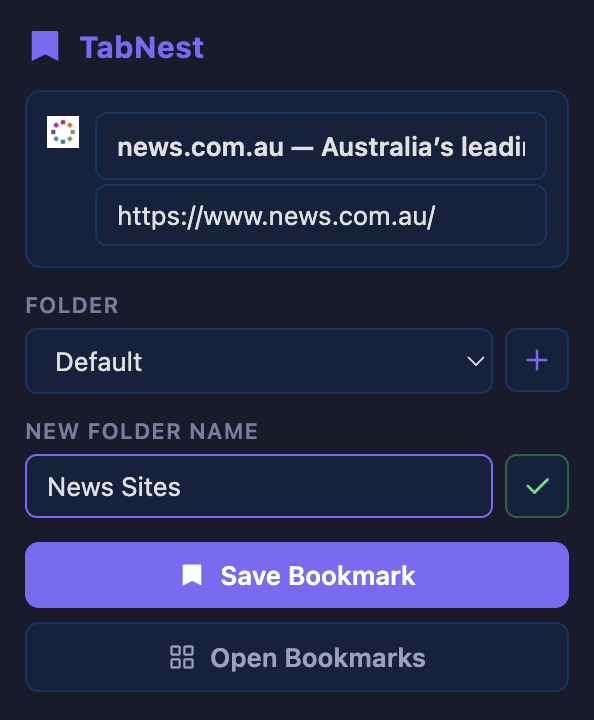
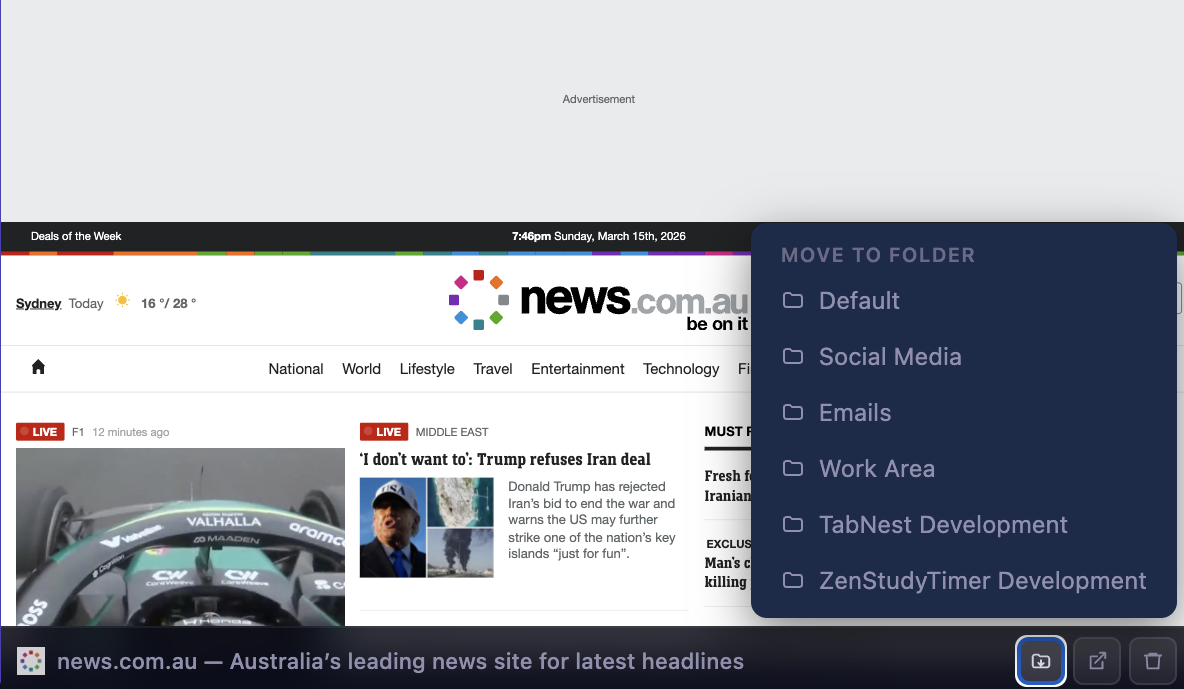
Save any page directly to a new or existing folder without ever leaving the current tab.

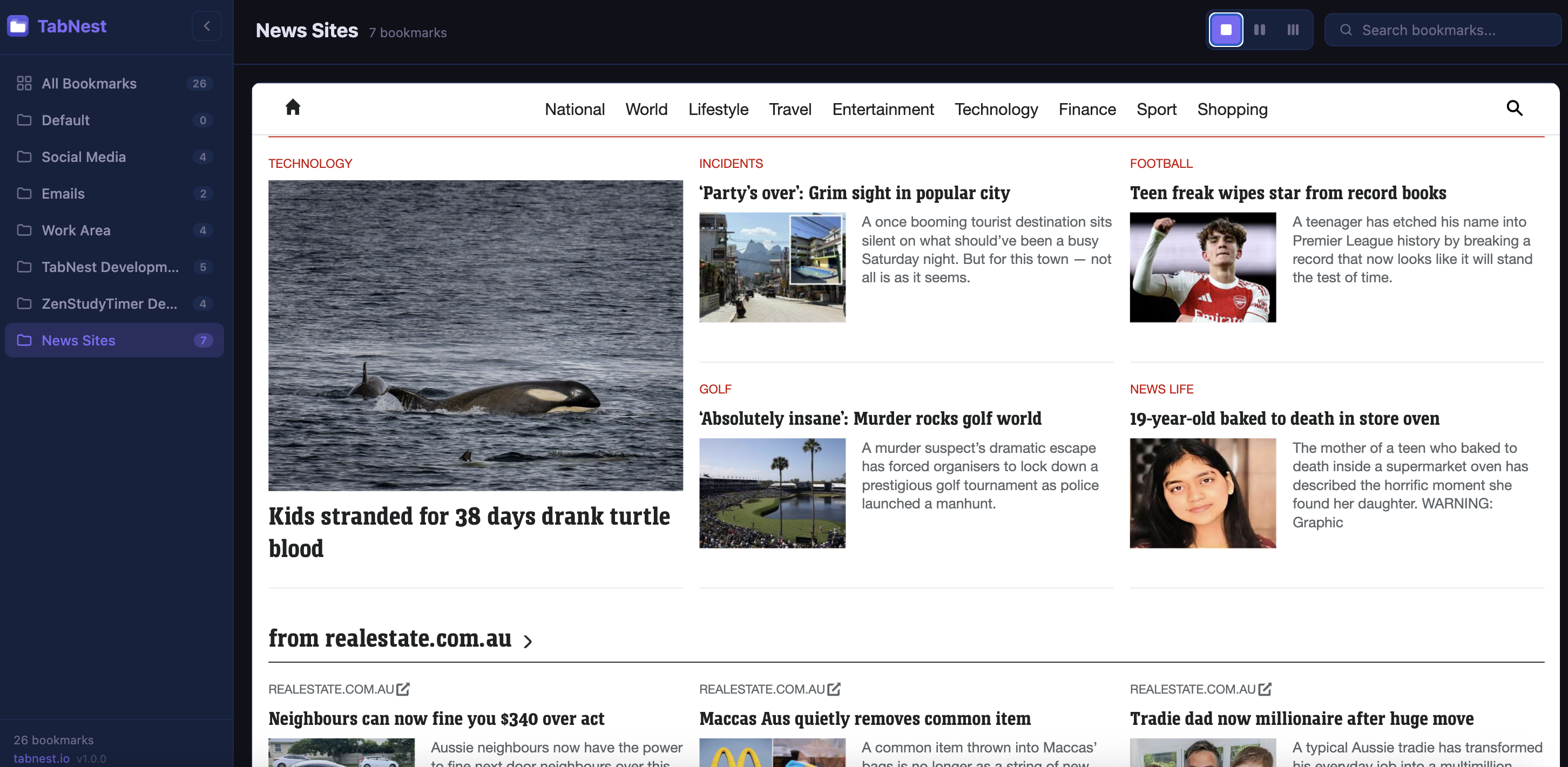
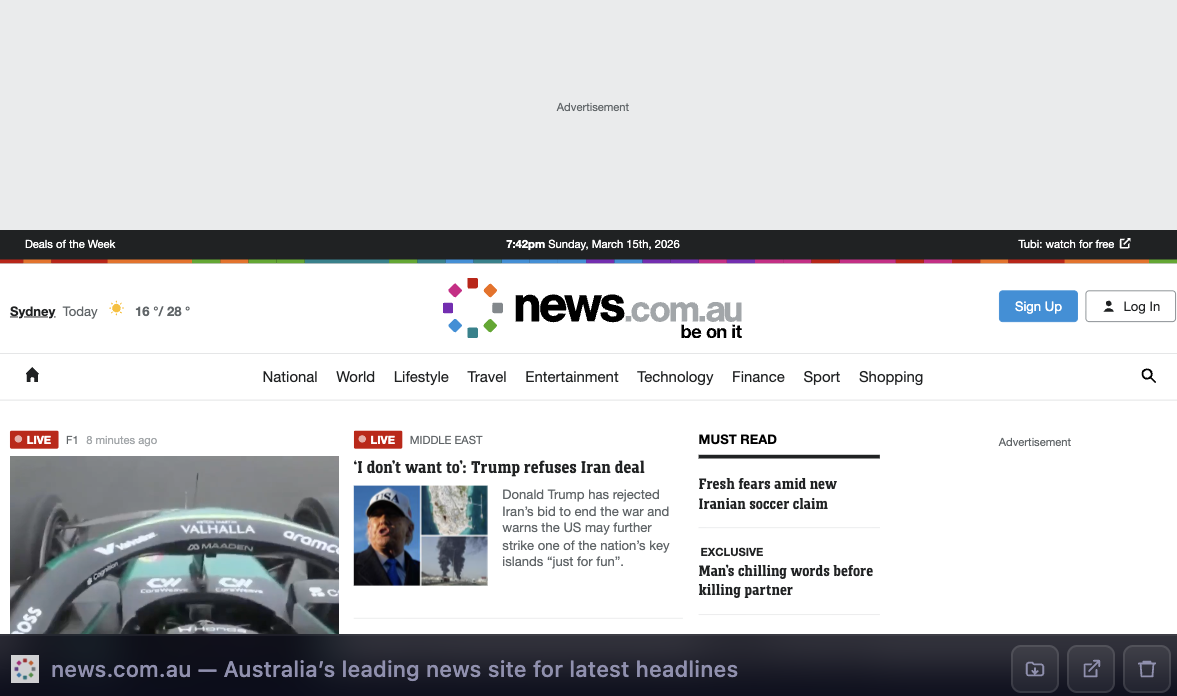
Switch between 1, 2, or 3-column tile views to browse your bookmarks the way you prefer.
How It Works
Three simple steps to organized browsing.
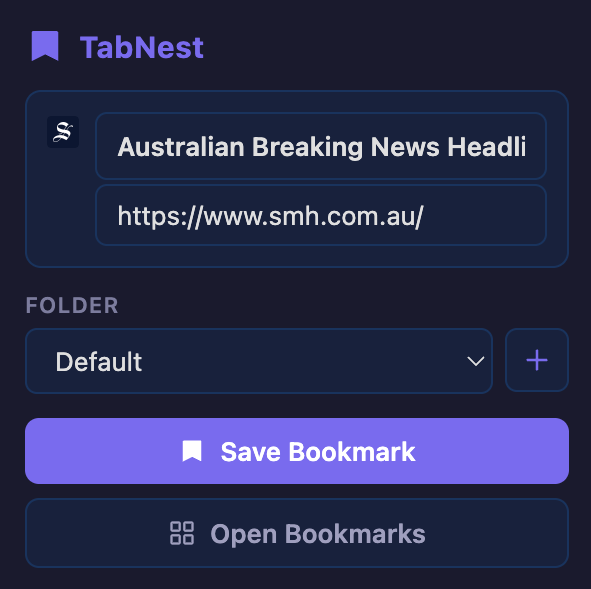
Visit any page you want to remember. Click the TabNest extension icon in your Chrome toolbar and hit Save Bookmark. It's saved to your Default folder instantly.
Create a new folder with the + button, name it, then save your bookmark there. Or choose an existing folder to keep things tidy.
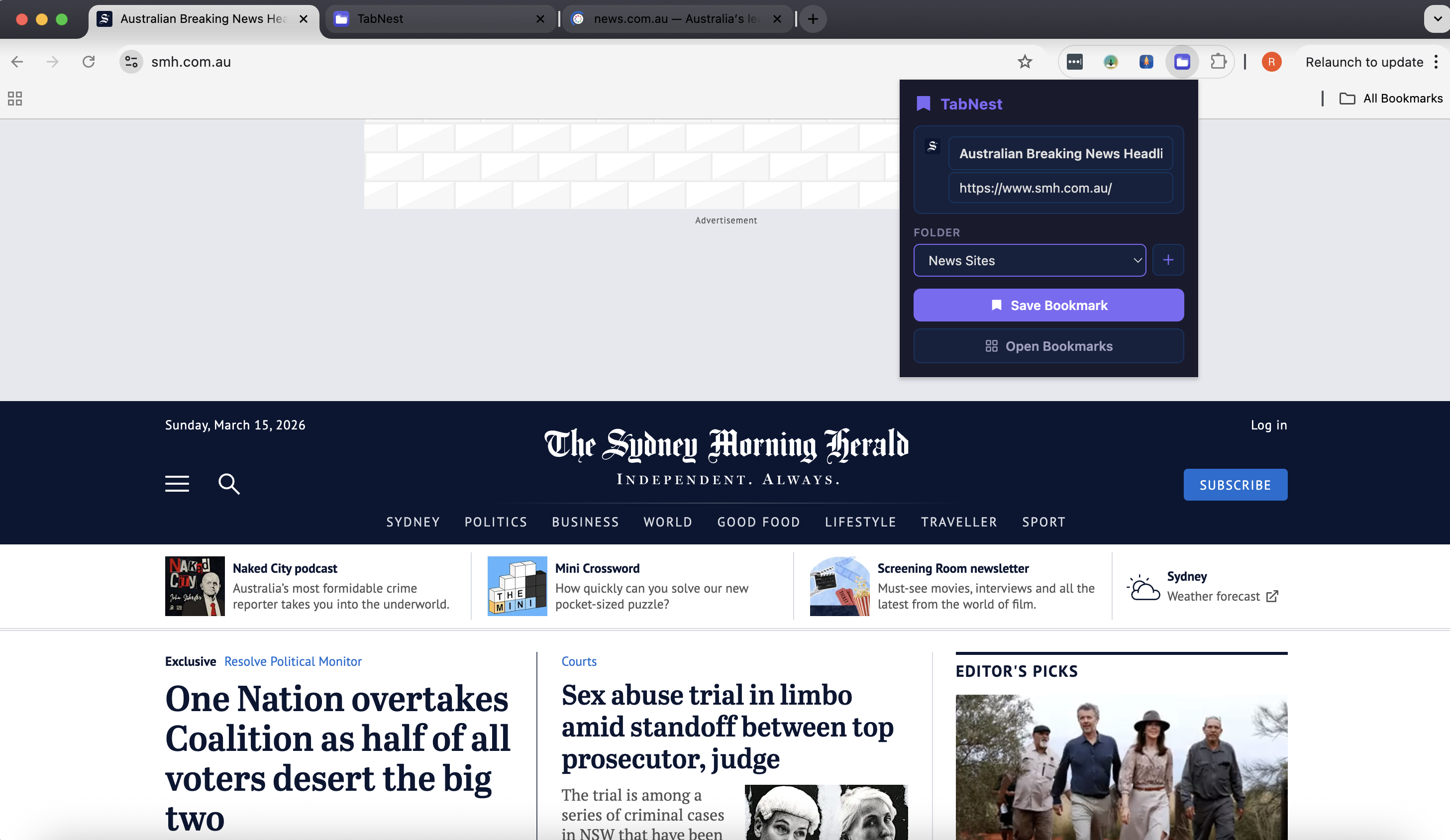
Open the extension and select Open Bookmarks to browse all your saved pages in a beautiful visual layout. Click any tile to open the page.
Bookmark Management
TabNest gives you powerful management tools right at your fingertips — no fuss, no extra windows.
Layout Views
Choose the layout that suits your workflow — compact single-column or spacious multi-column tiles.
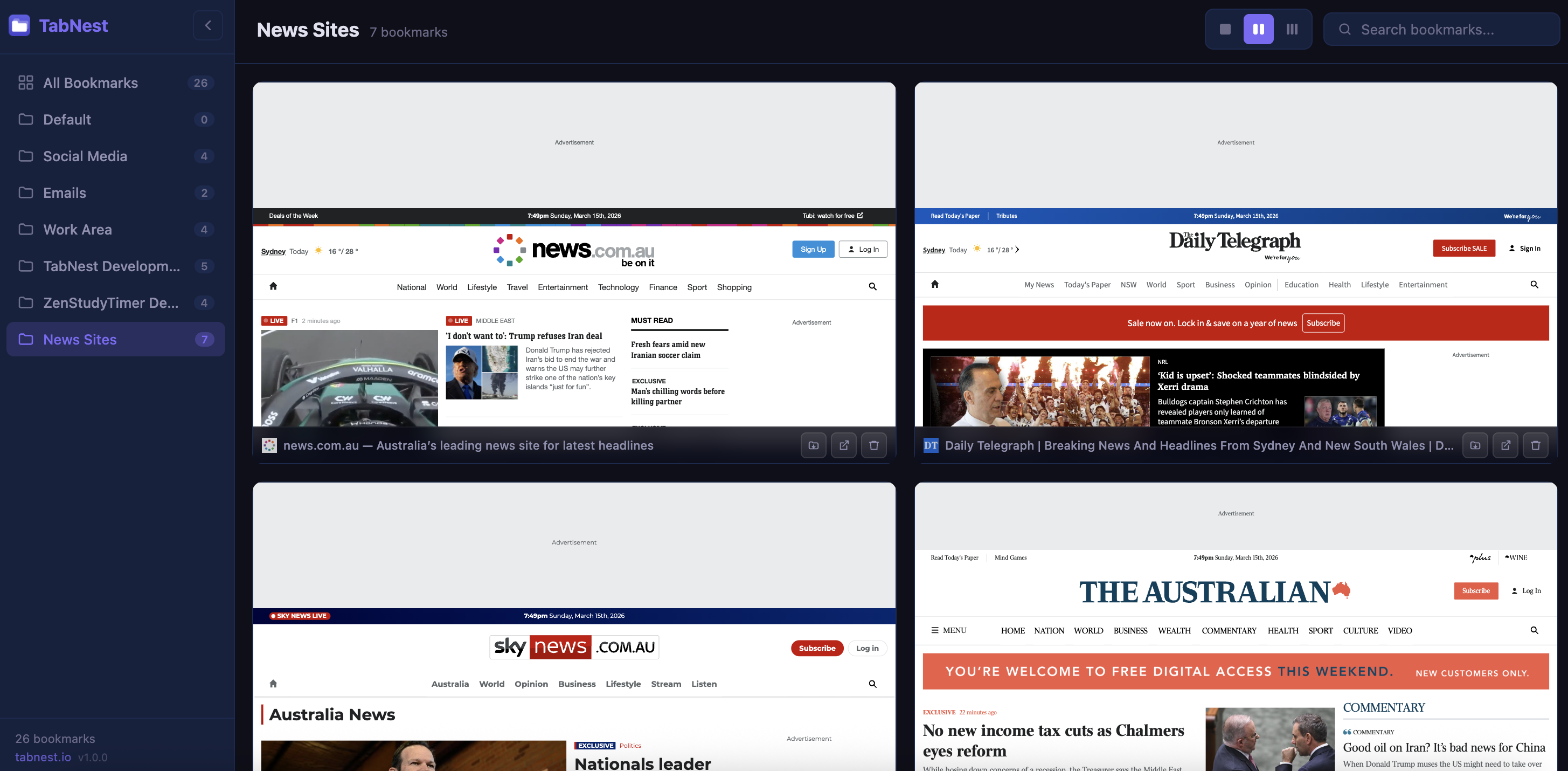
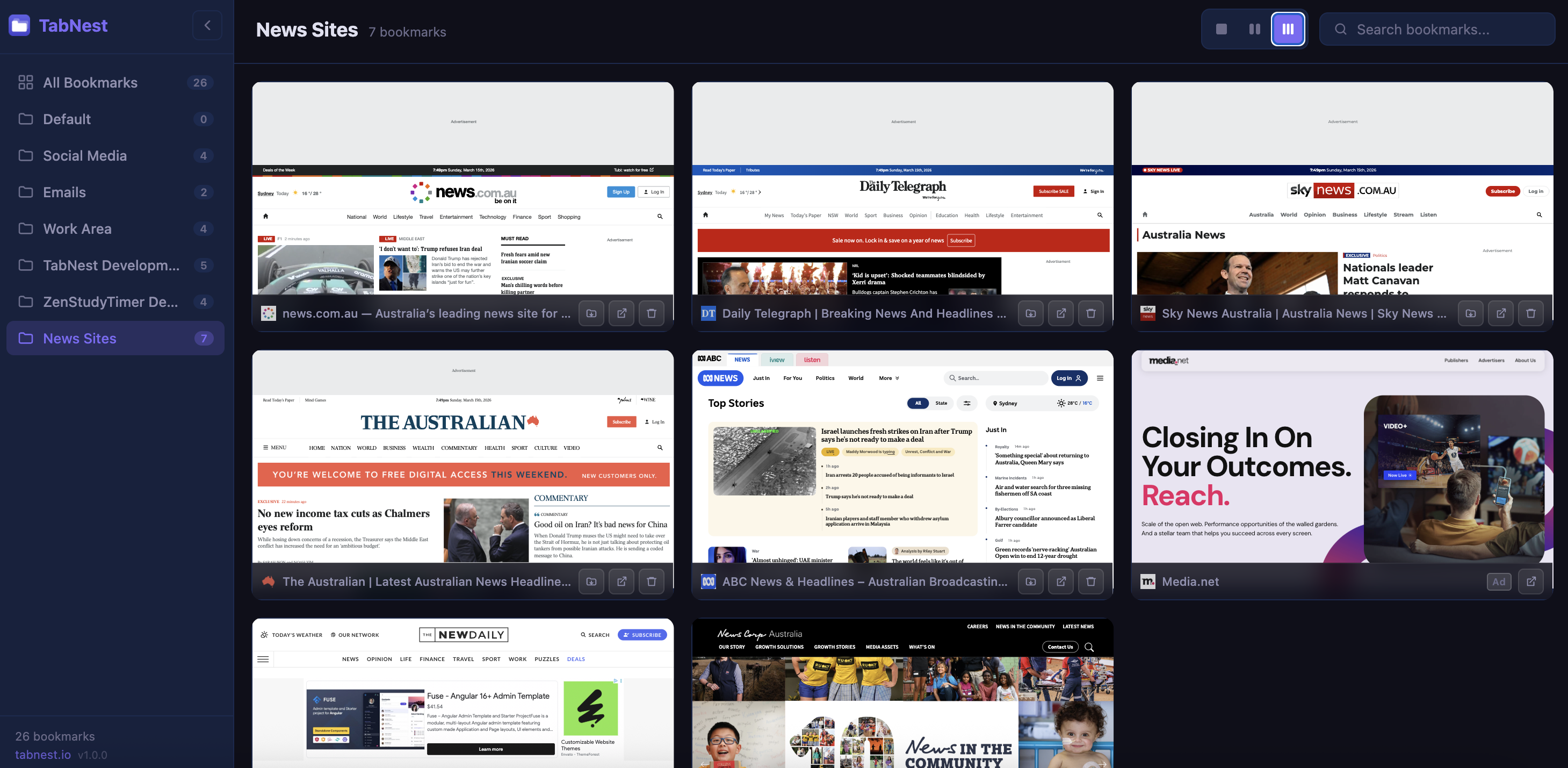
See It In Action
See how easy it is to save, organize, and browse your bookmarks.
Join thousands of users who've already made their bookmarks beautiful with TabNest. Free, fast, and private.
Add to Chrome — It's FreeNo account required · Works instantly · 100% Free